
M0-S1 — Start here: the Northwind tenant and the administrator’s job
Section titled “M0-S1 — Start here: the Northwind tenant and the administrator’s job”| Module | M0 — Start here (the first session of Day 1) |
| After this session you can | Say what is your job as a tenant administrator and what you hand to others, find the Administration areas you will use, and sign in as yourself and as a test colleague at the same time. |
| Time | Facilitated: 18 min · On your own: 18 min |
| Before you start | ACP, completed. Your practice tenant’s web address, your own sign-in details and the practice password for the test colleagues, all sent when you enrolled. |
| Go deeper | Start here: Administration |
◆ Orientation (1 min) — What this course is for
Section titled “◆ Orientation (1 min) — What this course is for”In ACP you added one colleague, gave them a group and a role, and opened one view to them. That was one access task. This course makes you the person who runs the whole organization on Osos: the tenant administrator.
Your organization for the next four days is Northwind Logistics, a fictional freight company. Northwind already has a few people and a small application, Northwind Freight, with shipments, invoices, staff records and an expense-claim service. Over the course you set Northwind up the way a real administrator would: its people and org chart, who can see and do what, protected salary data, cover during leave, sign-in rules, working hours, messages, monitoring and its look. In the capstone you extend it for a new department and hand it over with a written runbook.
Every module adds one capability, and the next module uses it. Each module ends by telling you what you can now do.
▤ Concept (4 min) — Your job, and what you hand to others
Section titled “▤ Concept (4 min) — Your job, and what you hand to others”An organization on Osos is a tenant. Four kinds of people look after it, and most problems an administrator meets start with mixing up their jobs:
| Who | Their job | Where they work |
|---|---|---|
| You, the tenant administrator | People, the org chart, groups and roles; who can see and do what; protected values; cover during leave; spaces; sign-in options; working hours; message templates; monitoring; the look. | Administration, in the product |
| App builders | Designing applications: entities, fields, views, pages, services, workflows, automations. They also decide which fields are protected and which workflow steps have time limits. | Administration › Applications, as designers |
| The operator | Running the platform: installing and upgrading it, servers, web addresses and certificates, connecting single sign-on and directory imports, mail and text-message providers. | Outside the product |
| The vendor | Your license. | Outside the product |
You decide many things the operator then does. For example, you decide that staff sign in with their company account, and you fill in the details; the operator connects it. The course teaches both halves of your side: what you configure yourself, and what you decide and hand over.
The Administration areas you will use
Section titled “The Administration areas you will use”| Area | What you do there | Module |
|---|---|---|
| Organization | Users, the Org Chart, Roles, Groups | M1 |
| Access Management | Who can see and do what, and protected values | M2 |
| Spaces | Separate working areas and their members | M3 |
| Monitoring | Message logs, automation runs, the audit trail | M4 |
| Interfaces | Settings, themes, fonts, languages, time zones | M4 |
Applications › Data Entities also holds several administration records that have no menu of their own: assignments to roles, delegations, domains, working hours, holidays and templates. You will open it often.
⛏ Lab (5 min) — Check your practice tenant
Section titled “⛏ Lab (5 min) — Check your practice tenant”Goal. Confirm you can work as the administrator and as a test colleague at the same time. You use the two-window habit from ACP (M0-S1): your normal window for yourself, a private window for a colleague.
- Sign in to your practice tenant in your normal window. Open Administration and check that it holds Organization, Access Management, Spaces, Monitoring and Interfaces.
- Open Applications › Modules and find Northwind Freight.
- Open a private window and sign in as Ziad Mourad (
ziad.mourad@northwind.example.com, the practice password). Pass the welcome page if it appears. Ziad sees the message “You don’t have access, Please contact with the administrator.” and almost nothing else.
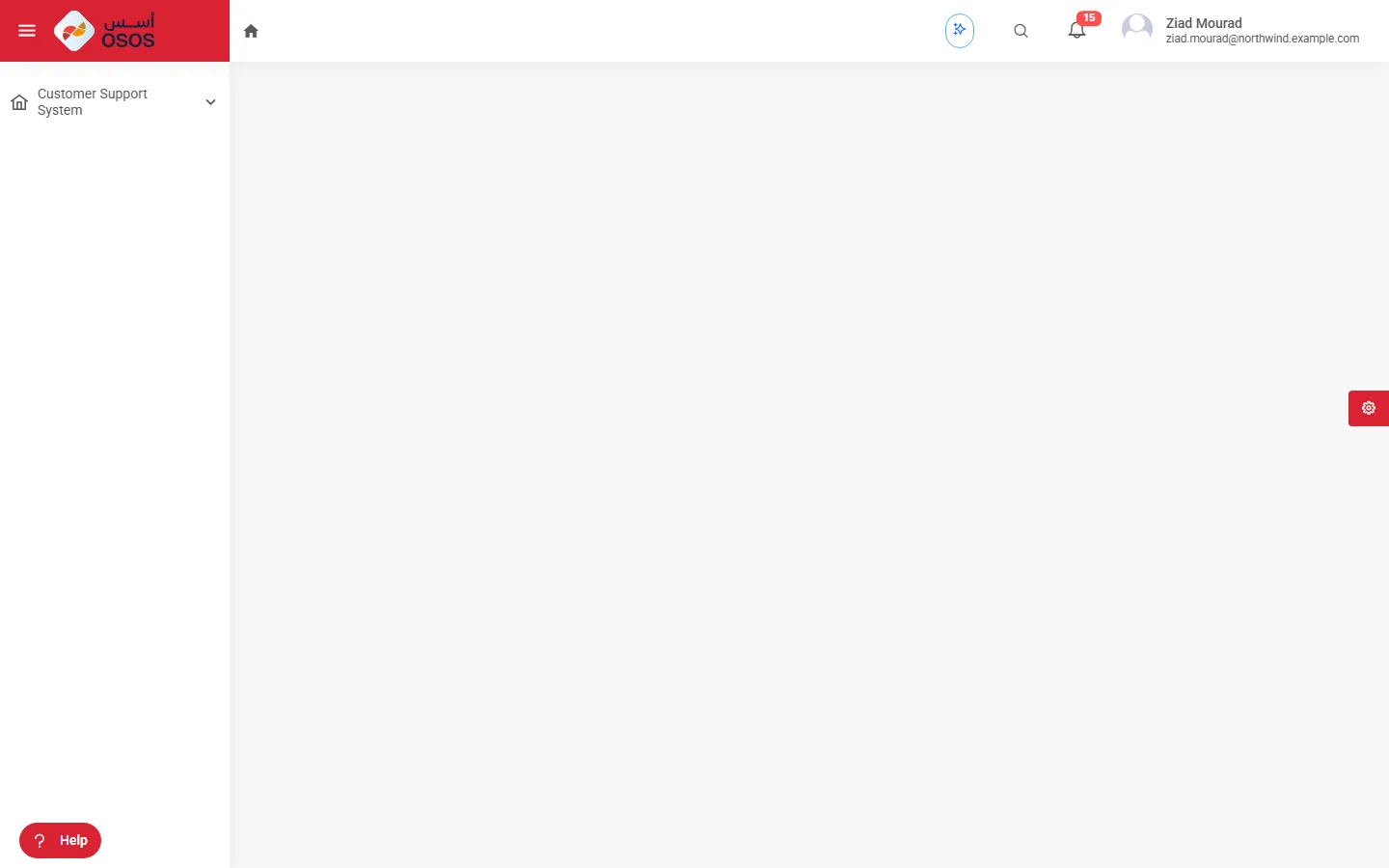 What to notice: Ziad can sign in, but he has no base level yet, so he is refused almost everywhere. You give Northwind its base level in M2.
Check.
- Your Administration shows all five areas.
- Northwind Freight is in the Modules list.
- Ziad is signed in, in a private window, at the same time as you.
- Ziad sees the “You don’t have access” message.
Pass condition. All four boxes are ticked. Ziad’s empty screen is expected: it is the starting point of Module 2.
If something goes wrong
| What you see | What to do |
|---|---|
| One of the five areas is missing from your Administration | Your account does not have the system Admin level. Ask your training contact; you cannot continue without it. |
| Northwind Freight is missing | Your practice tenant was not prepared. Ask your training contact to run the Northwind seed. |
| Ziad’s sign-in is refused | Check the address and the practice password. If his account was deactivated in an earlier attempt, activate it (M1-S1 shows how). |
| Ziad sees an empty sidebar and no message | The welcome page is waiting. Pass it with the START USING button followed by the organization’s name, then Skip. |
Model answer
Why each check matters later:
- The five areas are where every lab in this course happens.
- Northwind Freight is the application whose access you design in M2.
- Ziad’s “You don’t have access” message is what every new person sees before they have a base level. Keep it in mind: in M2 you fix it for all of Northwind with a single grant.
✓ Practice (4 min) — Whose job is it?
Section titled “✓ Practice (4 min) — Whose job is it?”Northwind wants staff to sign in with their Microsoft work account. What is the administrator’s part?
Check your answer
The correct answer is B. Open the explanation under each option to see why.
The finance team asks for salaries to be hidden from most people. Who marks the Monthly Salary field as protected?
Check your answer
The correct answer is A. Open the explanation under each option to see why.
You need to find where an employee’s working-hours schedule is kept. Where do you look first?
Check your answer
The correct answer is C. Open the explanation under each option to see why.
↺ Recap (1 min) — Ready to start
Section titled “↺ Recap (1 min) — Ready to start”You know your side of the job and where it lives, and your practice tenant is ready. Ziad’s empty screen is the first problem you will solve.
Next. In Module 1 you set up Northwind’s people: a new joiner, an account for another system, and the org chart that decides who manages whom.